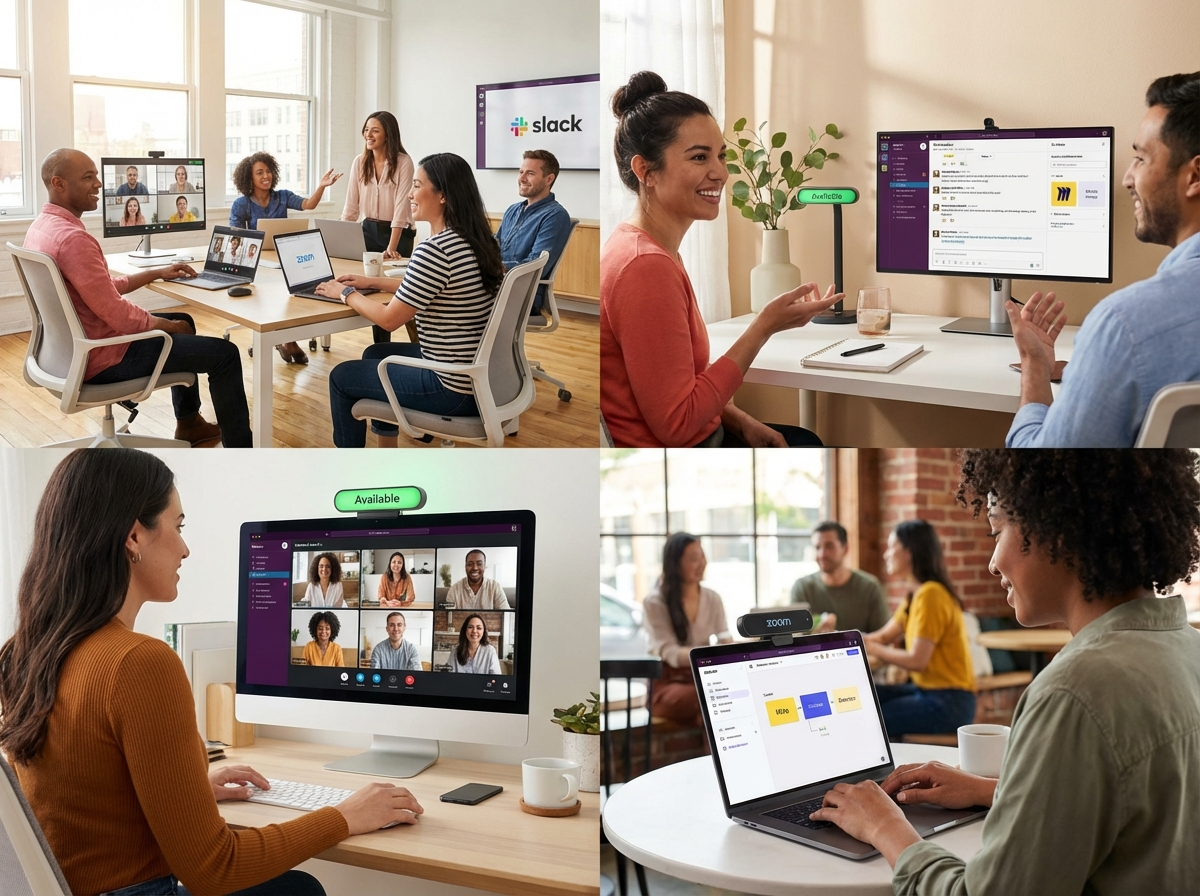
Designing Communication Systems for Distributed Teams
The workplace has undergone a seismic shift. What was once a simple choice between working in an office or remotely has evolved into a complex ecosystem of hybrid work communication. Organizations now face the challenge of building communication systems that keep distributed teams connected, productive, and secure—no matter where they log in from. As an authority in modern workplace solutions, we know that success hinges on more than just technology. It’s about change management, employee experience, and designing systems that put people first.
We’ll walk you through the key tactics for creating reliable communication systems suited to remote and hybrid teams in this post. We’ll go over everything from deployment of softphones and mobile-first strategies to user adoption, security, presence management, and collaborative features. Whether you’re upgrading your remote team phone system or rethinking distributed workforce communication from the ground up, you’ll find actionable insights to lead your organization forward.
Why Hybrid Work Communication Matters
Effective communication must be the cornerstone of any team, but for distributed workforces, it’s critical. The goal of hybrid work communication is to facilitate easy, adaptable, and safe connections between partners, clients, and employees across time zones and regions. It goes beyond simply simulating in-office interactions. The proper strategy increases output, fosters a sense of community, and enables an organization to adapt to rapid change.
Mobile-First Strategies: Empowering Teams Anywhere
Today’s workforce expects to work from anywhere on any device. A mobile-first approach is key to hybrid work communication. This means prioritizing solutions that work seamlessly across smartphones, tablets, and desktops. Mobile-first strategies ensure that:
- Employees can respond to messages and calls on the go
- Teams stay connected during travel or field work
- Communication tools are intuitive, reducing friction and boosting adoption
Best Practices for Mobile-First Communication
- Choose platforms with robust mobile apps and responsive web interfaces
- Enable push notifications for urgent messages
- Support mobile device management (MDM) for security and compliance
- Offer training to help employees make the most of mobile features
Softphone Deployment: The Modern Remote Team Phone System
Traditional desk phones are fading fast. Softphones—software-based phone systems that run on computers and mobile devices—are now the standard for remote team phone systems. Softphones empower distributed teams to make and receive calls, join video meetings, and manage voicemails from anywhere.
Key Benefits
- Cost savings on hardware and maintenance.
- Allowance for workers to use the devices of their choice
- Integration with collaboration tools (chat, video, file sharing)
- Advanced features like call forwarding, recording, and analytics
Deployment Tips
- Choose a softphone solution that integrates with your existing communication stack
- Prioritize platforms with strong security and encryption
- Provide clear onboarding and support to ease the transition
Presence Management: Sharing Updates with Everyone
Presence management tools show who’s available, busy, or offline in real time—a vital feature for distributed workforce communication. When teams can see each other’s status, they’re less likely to interrupt deep work or miss urgent requests.
Most Effective Methods
- Standardize presence indicators (available, away, in a meeting, do not disturb
- Integrate presence with calendaring and collaboration apps
- Encourage employees to update their status regularly
Collaboration Features: Beyond Basic Messaging
Hybrid work communication systems must go beyond simple voice or chat. Look for platforms that offer:
- Video conferencing with screen sharing
- Persistent chat channels for teams and projects
- File sharing and co-editing in real time
- Task and project management integrations
These features support true collaboration, helping distributed teams innovate and solve problems together.
Security for Remote Workers: Protecting Distributed Communications
Security is a top concern for any remote team phone system or distributed workforce communication platform. Threats such as phishing, data breaches, and unauthorized access are magnified when employees work outside the office.
Security Essentials
- End-to-end encryption for calls, messages, and files
- Multi-factor authentication (MFA) for all users
- Regular security training for employees
- Centralized management and monitoring tools
User Adoption Strategies: Driving Engagement and Change
Even the best communication systems fail without employee agreement. Change management is crucial for successful adoption, especially in hybrid work environments.
Steps to Success
- Involve employees early in the selection and design process
- Offer hands-on training and easy-to-access support
- Gather feedback and iterate on the system
- Celebrate wins and share success stories
Building a Future-Ready Communication Ecosystem
Designing communication systems for distributed teams isn’t just about technology. It’s about creating an environment where every employee—remote, hybrid, or in-office—feels connected, secure, and empowered to do their best work. By focusing on mobile-first strategies, softphone deployment, presence management, collaboration, security, and user adoption, you’ll build a communication ecosystem that supports your organization now and into the future.
Ready to take your hybrid work communication to the next level? Start with these strategies, and you’ll be well on your way to a more connected, resilient, and productive distributed workforce.